
Show what an AI employee actually does in a chat, and make automation feel safe for businesses that rely on WhatsApp for revenue.
All work[ 08 ]
Live productAutonomous AIWhatsApp AutomationBusiness OS
iWA
AI employees that work inside WhatsApp.
- Client
- iWA Automation
- Year
- 2026
- Category
- Autonomous AI
- Location
- Worldwide
i-wa.vercel.app
[ Overview ]
Every message can become a lead, a booking or a support ticket.
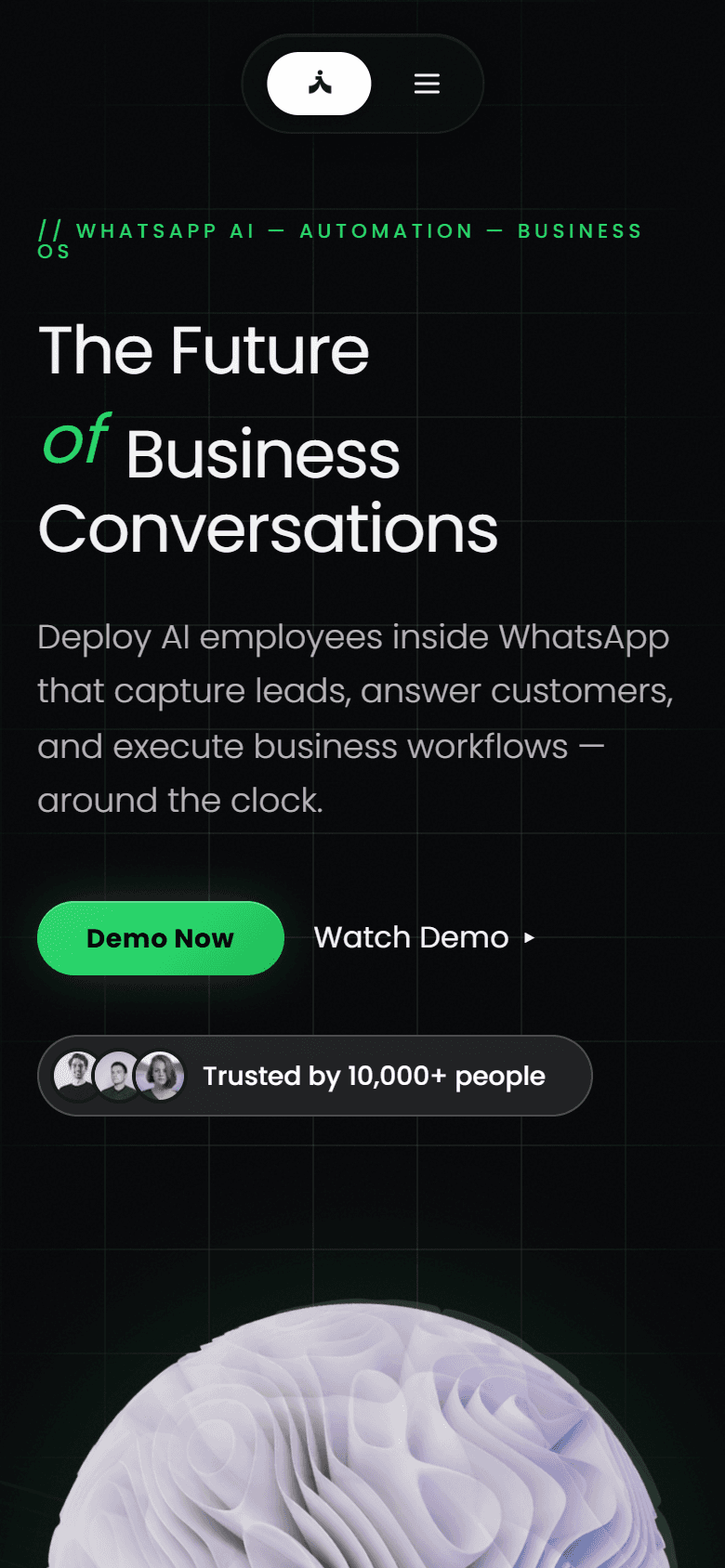
iWA turns WhatsApp into a business operating system. AI assistants capture leads, answer customers, book meetings and update the CRM from inside the conversations businesses already have.
Businesses already sell and support over WhatsApp, but most of that work is manual. iWA adds an intelligence layer: each message is understood, routed to the right workflow and synced to the tools a team uses, with people stepping in only when it matters.
We built the product site around a live conversation demo that shows intent detection, lead scoring and CRM updates as the chat happens, followed by focused sections for support, workflow automation and CRM sync.
[ What we built ]
The parts that make it work.
Conversation demo
A real looking chat shows intent, score and CRM status updating live.
Customer support
Repetitive questions are answered instantly and edge cases go to a person.
Workflow automation
Messages can fire webhooks, update databases and run multi-step logic.
CRM sync
Every qualified conversation lands in the team’s records.
[ Screens ]
Captured from the live product.
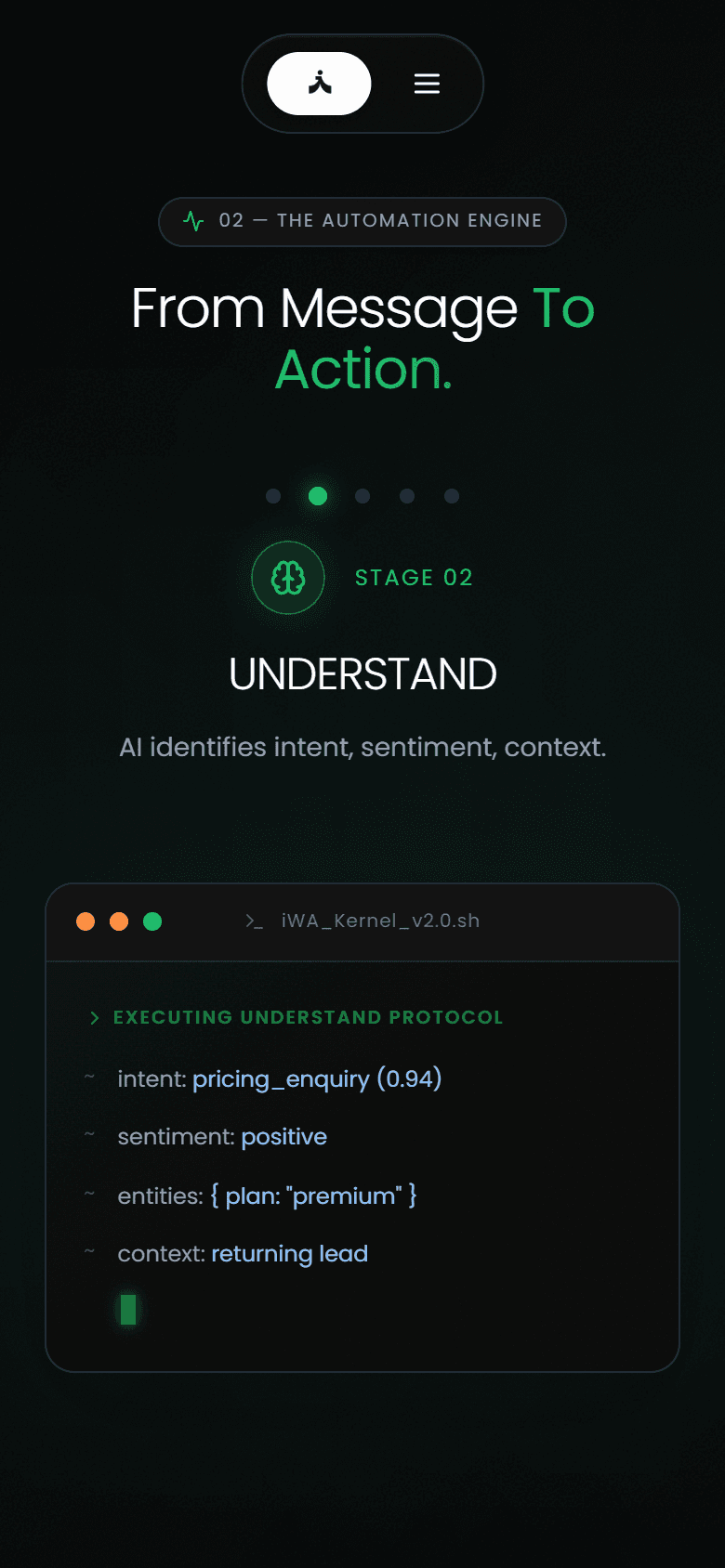
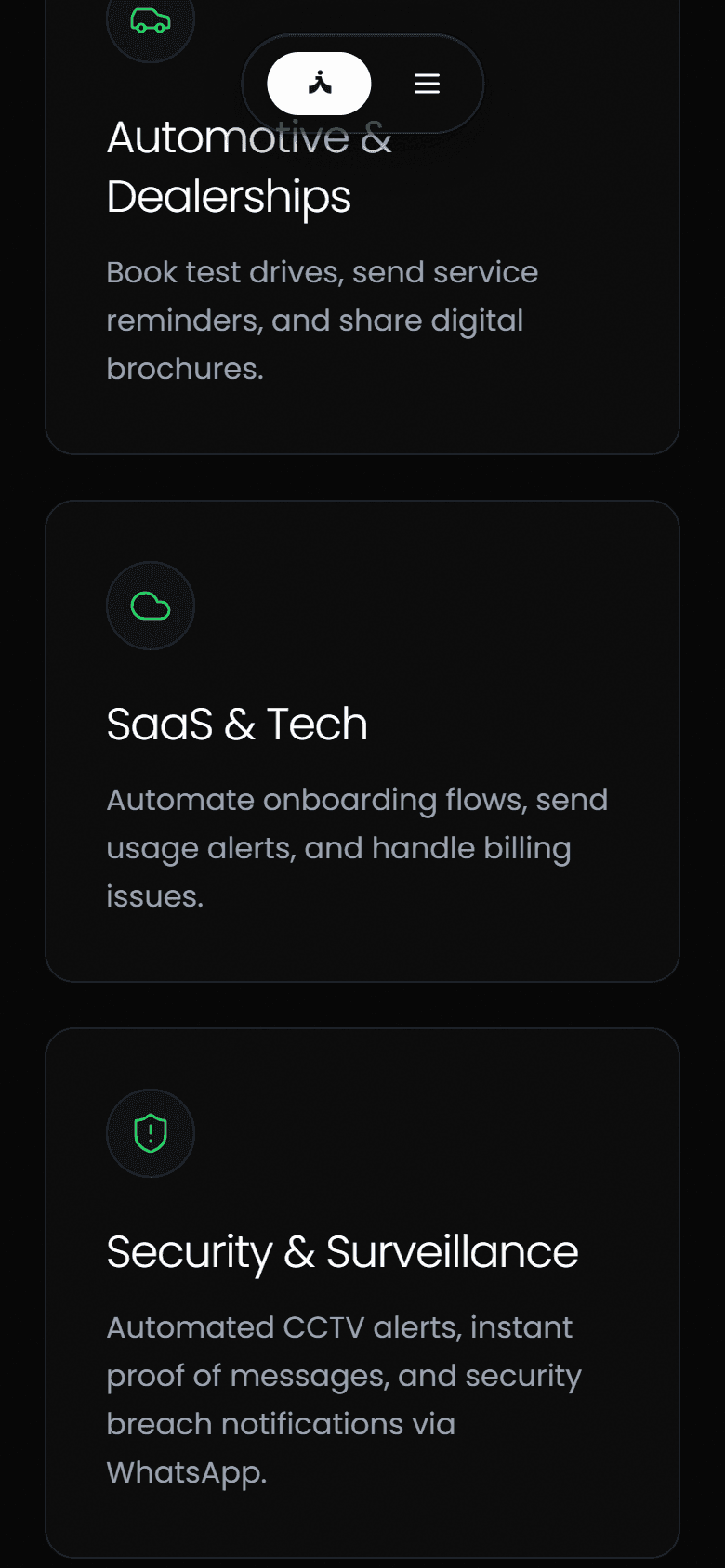
Every view below is a capture of the deployed site, at desktop and phone sizes.
i-wa.vercel.app
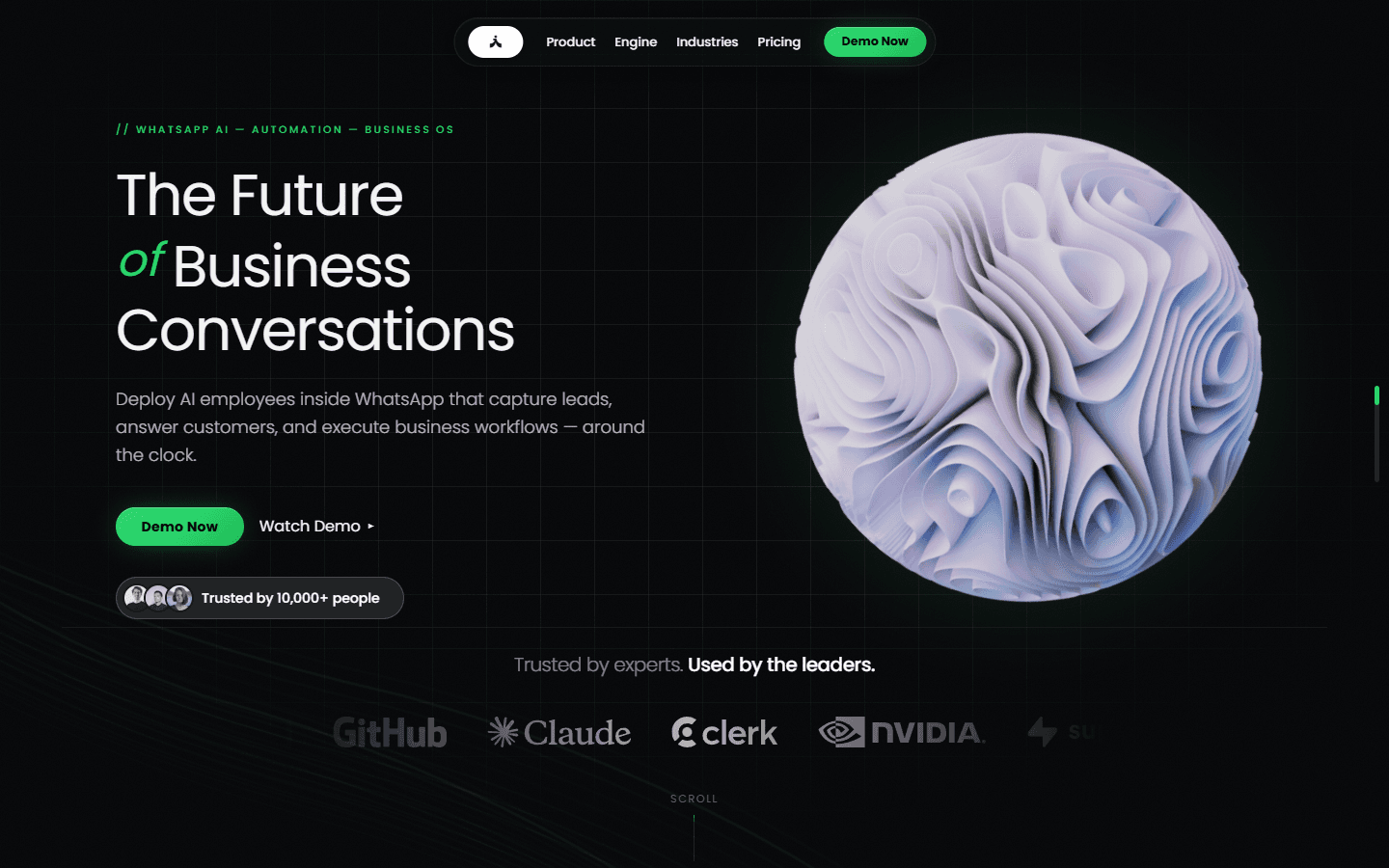
i-wa.vercel.app
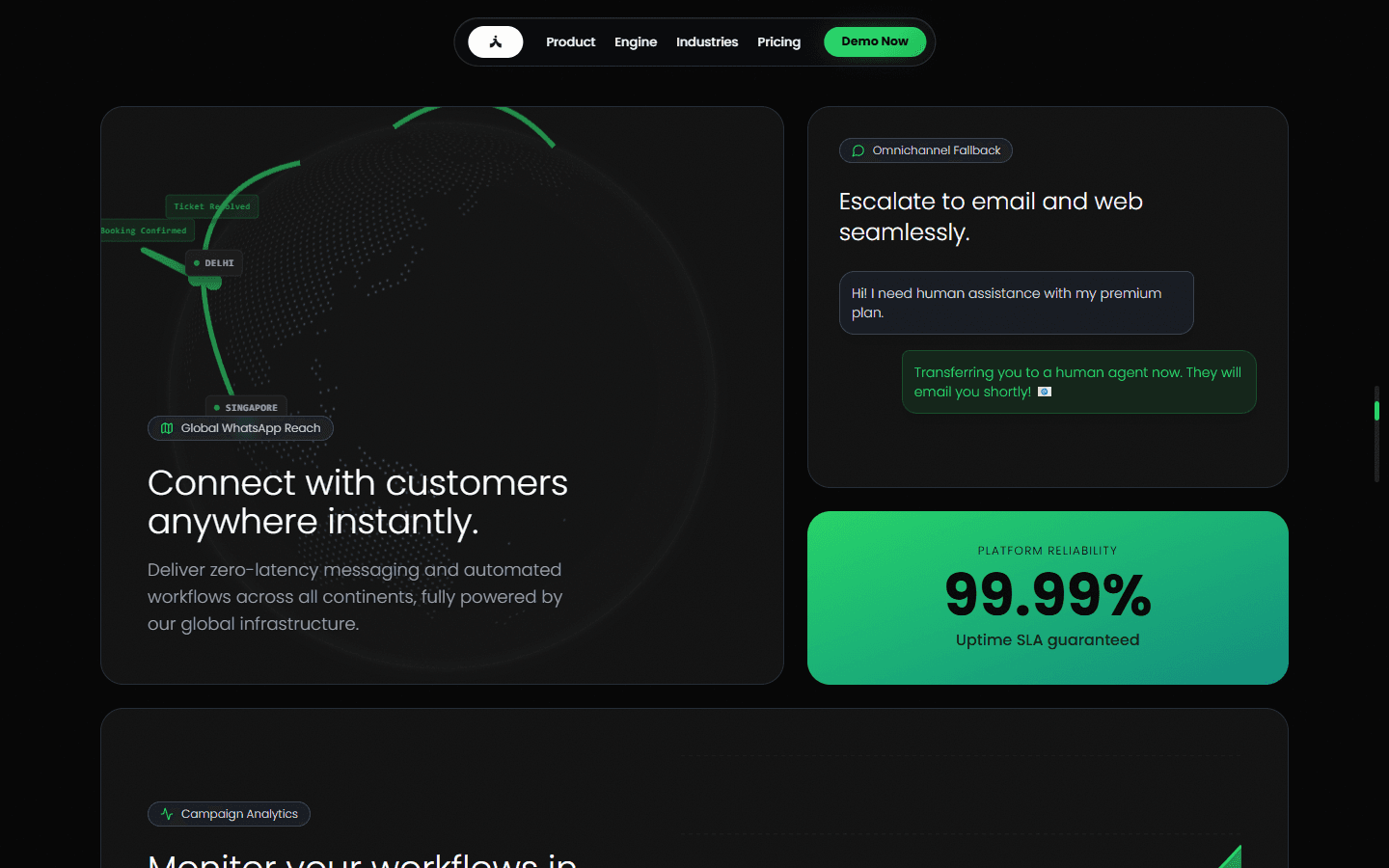
i-wa.vercel.app
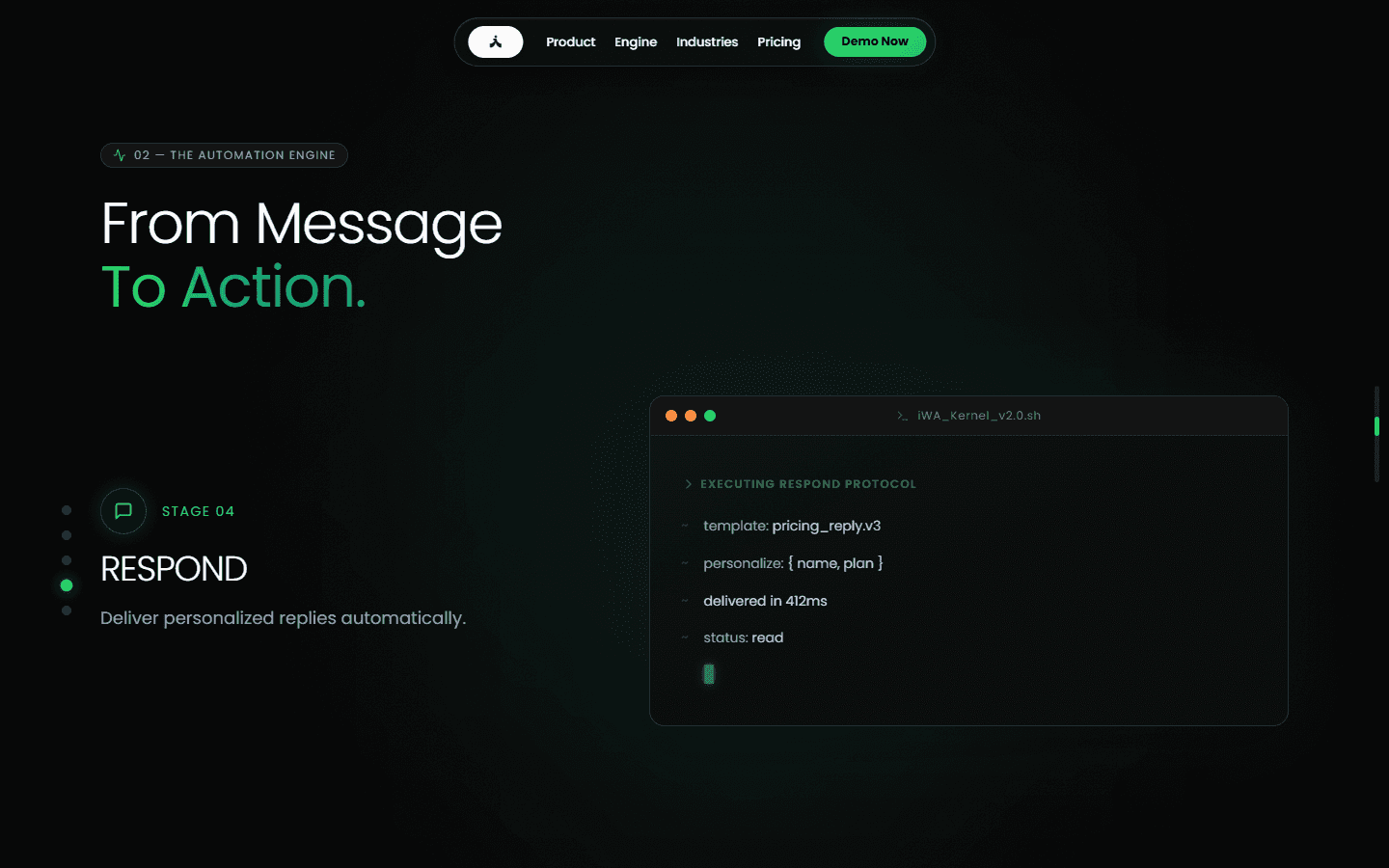
i-wa.vercel.app
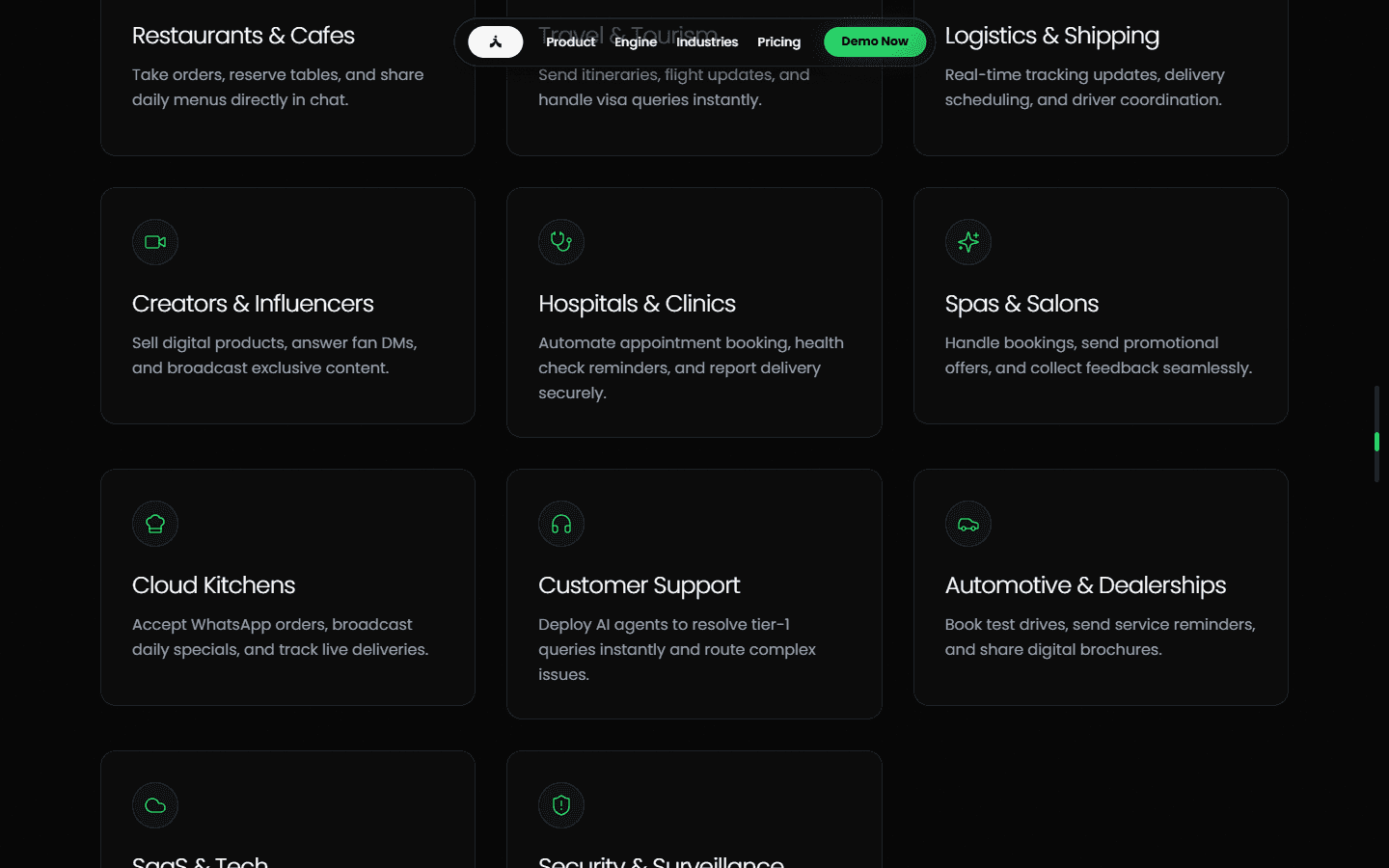
[ How it flows ]
From first visit to done.
- 01
RECEIVE
- Capture real-time incoming WhatsApp webhook events and media
- 02
UNDERSTAND
- Classify intent, sentiment, customer state, and context memory
- 03
DECIDE
- Determine optimal workflow, business logic, and policy constraints
- 04
EXECUTE
- Trigger payment, calendar booking, database updates, or agent response
- 05
SYNC
- Real-time sync to external CRM, ERP, Google Sheets, and team dashboards